Launch Guide for the Free Plan
Launch Guide for the Free Plan
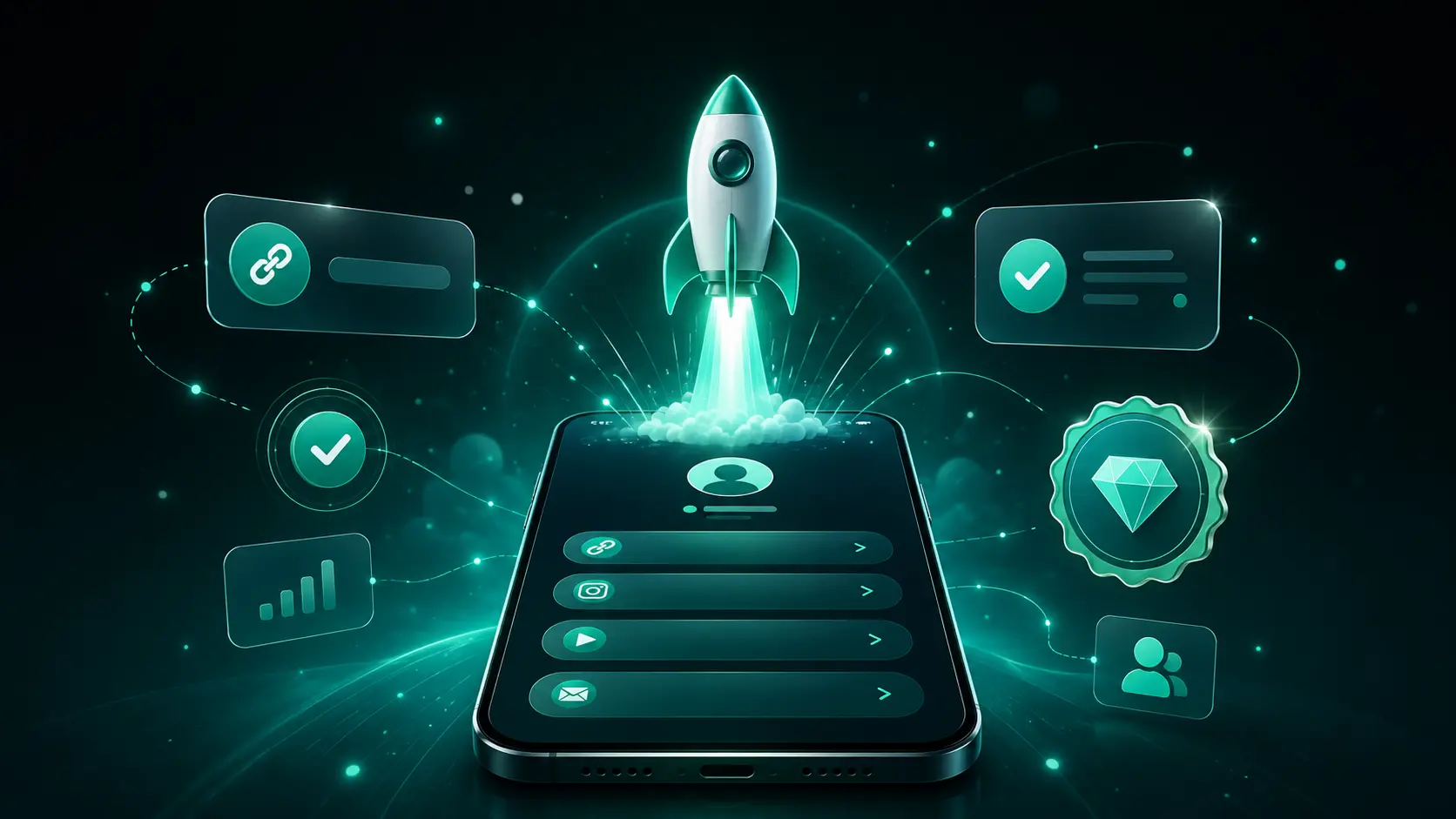
Starting your journey with Welcome.to is incredibly simple. Our Free plan gives you all the essential tools you need to create a stunning link-in-bio profile without any hidden costs or complicated setups. In this guide, we will show you just how fast you can launch your page.
Step 1: Quick Registration
There are no lengthy forms or credit card details required. Simply head over to our registration page and create your account in under 60 seconds. You can choose a unique username that fits your brand or personal identity perfectly.
Step 2: Choose Your Template
Once you are in the dashboard, browse through our collection of beautiful, responsive templates. Select one that matches your style. Do not worry about making it perfect right away—you can always customize it later!
Step 3: Add Your Important Links
Start adding your social media profiles, website, portfolio, or online store. With support for over 50 platforms, you can connect everywhere your audience engages with you. It is as simple as pasting a URL and adding a title.
Step 4: Publish and Share
Your profile is live the moment you create it! Grab your unique Welcome.to link and paste it into your Instagram, TikTok, Twitter, or LinkedIn bio. You are now ready to direct your followers to all your important content from one central hub.
Need More Help?
If you want to dive deeper into customizing your profile, adding advanced analytics, or exploring all available features, be sure to check out our comprehensive User Guide. It has everything you need to master your new link-in-bio page.
Ready to launch? Sign up for free today and take control of your online presence!